
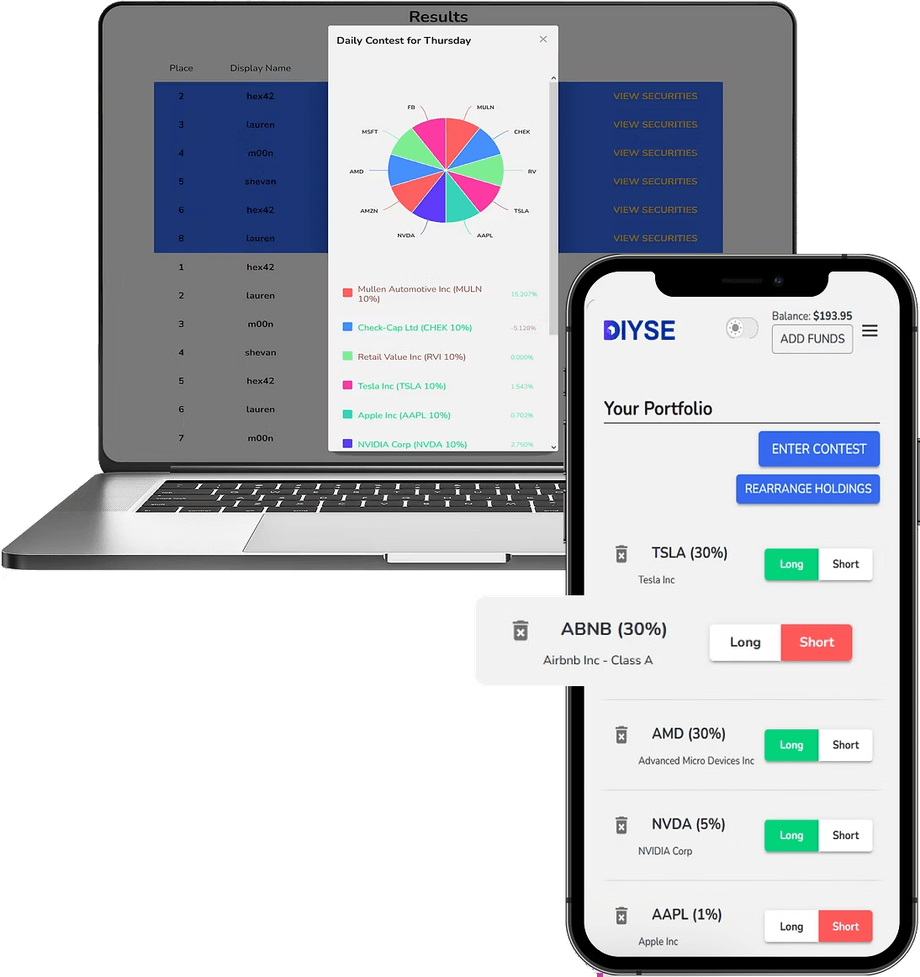
How do I enter a contest, and what does it take to win? To get started, first register a new DIYSE user account. After you verify your new account, you will log in and view our current public DIYSE contests that anyone can enter. Click on any public contest to view additional details, which include when the contest starts, how long it lasts (contests may last a single day, a week, or a month) and the entry fee for paid contests. After joining a contest, you choose the stocks that you want to include in the portfolio. You can search for any stock in the DIYSE 5000, or you can use our stock groups to quickly find high market cap, biggest gainers, or correlated stocks to your other picks. Once you are satisfied with your stock picks, you can submit your portfolio to the contest. You can make changes to your portfolio up until the start time of the contest, but after the contest starts, no changes can be made. Once the contest starts, you can view the Leaderboard to see how your portfolio compares to other contest entries. Contest results are displayed at the end of the contest, and you are able to see how your competitors performed as well as their portfolio selections.
The Online Platform for Competitive Investors
DIYSE provides a platform to let investors stake real money to test their stock-picking skills against other investors in daily and weekly contests.
Enrollment Open. Sign Up Now.
How it Works
- /01
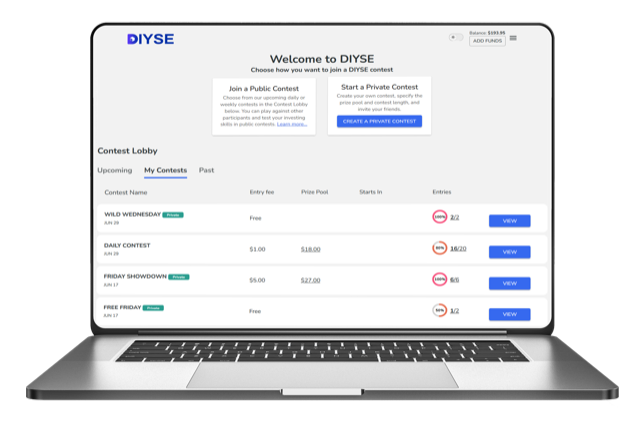
Choose a Contest
Choose from our daily or weekly contests. You can play against your friends in private contests where you choose the stakes, or test your investing skills in public contests.
- /02
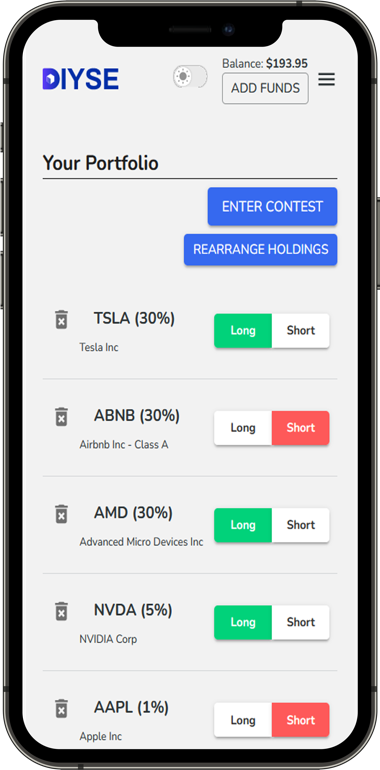
Select Your Portfolio
Allocate your notional budget across your favorite stocks. Create multiple entries to test different investing theories and market insights.
- /03
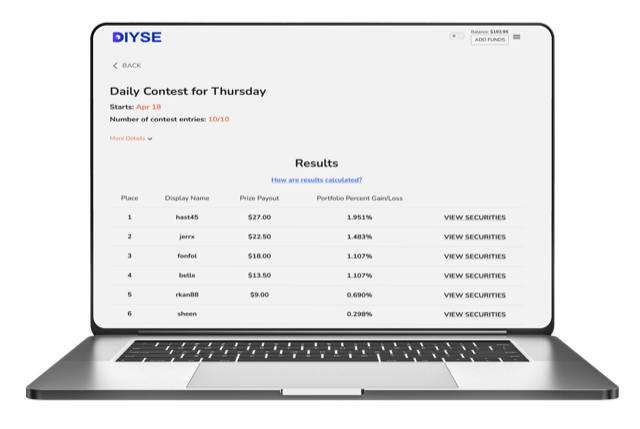
Track the Leaderboard
Benchmark your performance and profit from your investing skills. Watch the leaderboard throughout the contest and see how you perform against other investors and market indices.
The DIYSE Contest Platform is the Purest Test of Relative Investing Skill
We put everyone on an equal footing by requiring diversification, prohibiting active portfolio rebalancing during a contest, and prohibiting leverage or options trading.
Sign Up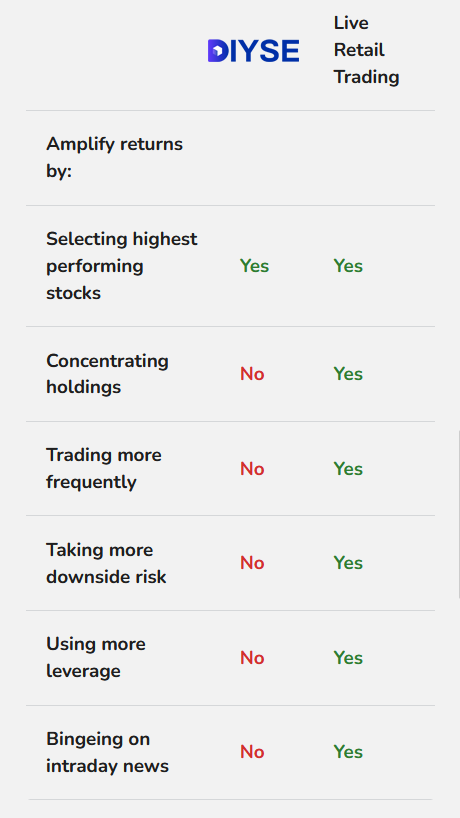
Contests
Public Contests
Private Contests
Joining Private Contests
To join a private contest, first register a new DIYSE user account. After you verify your new account, you will log in and be able to view the details of the private contest that you were invited to, and can view additional details which include when the contest starts, how long it lasts (contests may last a single day, a week, or a month) and the entry fee for paid contests.
After joining a private contest, you choose the stocks that you want to include in the portfolio. You can search for any stock in the DIYSE 5000, or you can use our stock groups to quickly find high market cap, biggest gainers, or correlated stocks to your other picks.
Once you are satisfied with your stock picks, you can submit your portfolio to the contest. You can make changes to your portfolio up until the start time of the contest, but after the contest starts, no changes can be made.
Once the contest starts, you can view the Leaderboard to see how your portfolio compares to other contest entries. Contest results are displayed at the end of the contest, and you are able to see how your competitors performed as well as their portfolio selections.
Hosting Private Contests
To host a private contest, first register a new DIYSE user account. After you verify your new account, you will log in and a button will appear in the Contest Lobby to create a private contest. As the host, you can choose the entry fee and payout structure, the start and end dates, the stock universe (the DIYSE 5000 or the DIYSE 600) and a custom name for the contest.
After creating a private contest, you will receive an email with a custom link to your private contest as well as a sample message that you can cut-and-paste to send to your friends using your email, social media or other method. When they receive the message from you, they will go to a page just like this in order to get started.